

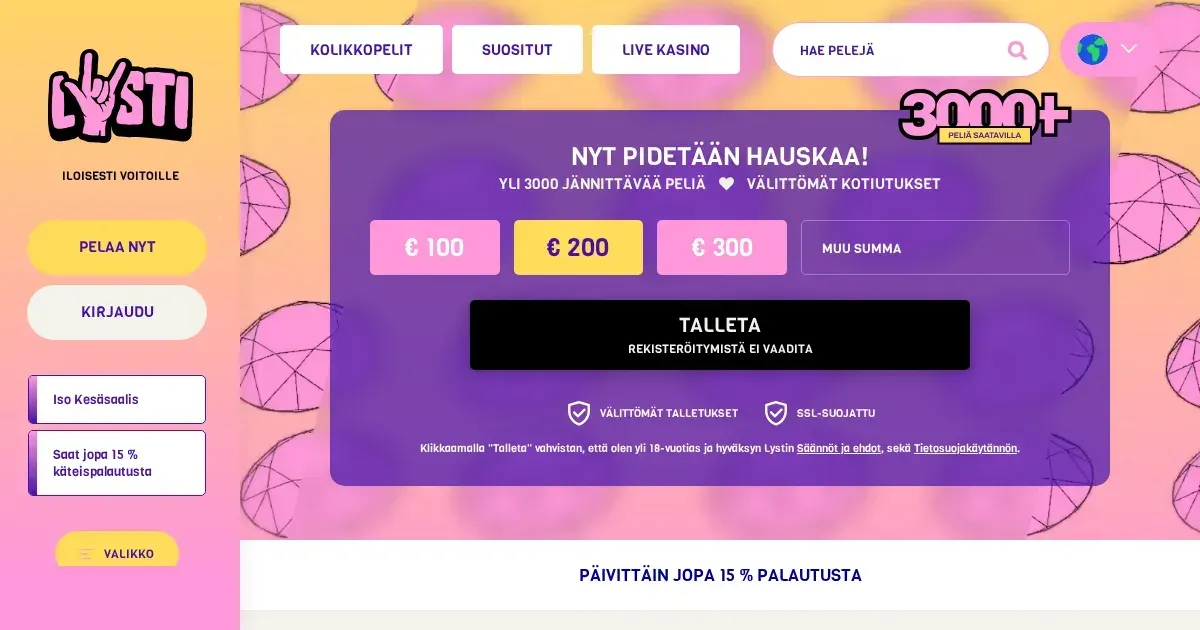
Your Lysti account lives on the operator’s site. This portal does not operate accounts, collect passwords or restore access; only the operator can verify an account, reset a password or lift a restriction. Read our Lysti information before you sign in.
Signing in at Lysti
Use the operator’s own website to reach your Lysti account. The sign-in process uses the email address and password you chose when registering.
- Open the operator’s website.
- Select its sign-in option.
- Enter your registered email address and password.
- Submit the details to access your account.
If you do not yet have an account, registration is handled through the operator as well.
Signing in from a phone
You can use the operator’s website in a mobile browser with the same account details used on a desktop. Lysti’s site does not require a separate mobile account, and signing in through a phone does not change the password you use.
Keep the operator’s address entered directly in your browser or saved as a bookmark. Do not use a search result, message or shortened link to reach the sign-in page.
When signing in does not work
Most sign-in problems come from details that do not match the account, an active restriction or a verification check. Work through the likely cause before contacting the operator.
- Re-enter your email address and password carefully, including the correct capital letters and symbols.
- If you use caps lock on your keyboard, switch it off and enter the password again.
- Check that you are using the operator’s own website rather than a link supplied in an unexpected message.
- Check whether a verification review is still waiting for your documents.
- Review any email from the operator about a self-exclusion, closed account or regional restriction; those are not sign-in errors.
Forgotten password
The operator’s password-reset route is the correct way to set a new password. Request the reset through the operator’s website, then use the link sent to the email address registered with your account.
If that email address is no longer accessible, contact the operator through its support channel and explain that the registered address cannot receive the reset message. Do not send a password to anyone, including anyone claiming to provide account support.
Verification holds and account restrictions
Lysti may ask for identification before a withdrawal reaches €2,000 in cumulative withdrawals. Document reviews are aimed at within 48 hours. The operator may hold a withdrawal or leave an account blocked until the review is complete.
| Cause | What happens |
|---|---|
| Identity verification | Provide a passport, identity card or driving licence, plus an accepted address document when requested. |
| Documents not supplied | Withdrawals requested without the required documents within two weeks can be cancelled and the account disabled. |
| Self-exclusion | The account remains closed for the selected period; it is not a password problem. |
| Regional restriction | Access is not available in restricted jurisdictions. |
Accepted identity documents must show your full name, date of birth and a valid expiry date. Address evidence can be a utility bill or bank statement, with all four corners visible.
Asking the operator for help
Contact the operator’s live chat when you cannot access an account, cannot recover the registered email address or need clarification about a document request. Have your registered email address, the approximate time the problem began and the exact message shown on screen ready.
Support can also explain a pending verification review, a self-exclusion or an account restriction. This portal cannot change any of those outcomes or remove a block.
Keeping your account access safe
Sign in only on the operator’s own address, typed or bookmarked rather than reached through an email or message. Use a password that you do not use on another site, and sign out when you finish using a shared device.
Two-factor sign-in is not part of the process described for Lysti. Never share your password, one-time sign-in information or identity documents with another person.
Responsible gambling
Access is for players aged 18+. Gambling should remain entertainment rather than a way to make money. If sign-in is difficult because you want to stop, use the account controls or self-exclusion route rather than trying to bypass a restriction.
For support, contact GamCare or call the National Gambling Helpline on 0808 8020 133. Free and confidential information is also available through BeGambleAware, while GamStop provides national self-exclusion. 18+. Please gamble responsibly.